Half-Hour and Quarter-Hour Time Zones: How to Track Them With GMT and World Time Watches
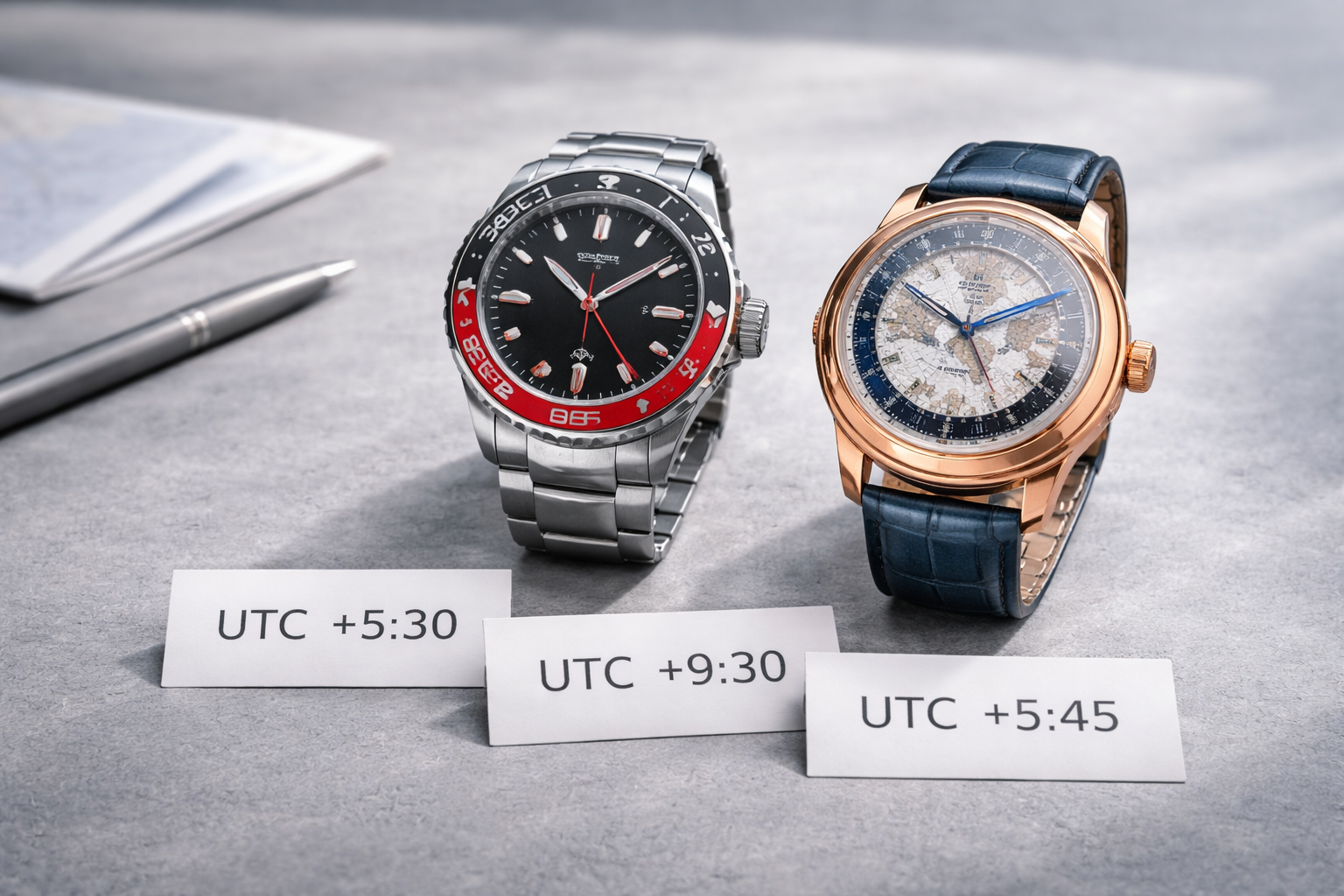 Most people assume time zones change in full hours—but many regions use +30 minutes or even +15 minutes offsets. That’s where GMT and world time watches can feel confusing, because many are designed around whole-hour jumps.
If you want the foundation first:
GMT vs World Time Explained: Differences, How They Work, and Which You Need
Quick Answer
-
A standard GMT hand and 24-hour bezel are best for whole-hour zones.
-
For half-hour/quarter-hour zones, you’ll usually use a workaround:
-
“minutes offset” method (write it down + mental math)
-
rotate bezel to nearest hour and add/subtract minutes
-
on world time, accept approximation (many city rings can’t represent 30/15 min zones cleanly)
-
What Are Half-Hour and Quarter-Hour Time Zones?
Examples include:
-
India (UTC+5:30)
-
Newfoundland (UTC−3:30)
-
Nepal (UTC+5:45)
-
Parts of Australia use half-hour offsets
These offsets create a mismatch with watches that assume 24 cities / whole-hour steps.
Best Tool for the Job: GMT vs World Time
GMT is usually easier for odd offsets
Because you can track a second zone and just add/subtract minutes.
World time is best for many cities—but not always precise for odd offsets
A classic city ring layout often can’t show half-hour zones perfectly.
World time setup guide:
How to Set a World Time Watch
World time reading cheat sheet:
How to Read a World Time City Ring Quickly
Method 1: GMT Hand + “Minutes Offset” (Most Practical)
This method works with any GMT watch.
Example: Track India (UTC+5:30)
-
Set your GMT hand to a known reference time zone (home/UTC)
-
Read the GMT hand in hours
-
Add +5 hours 30 minutes to get India time
Tip: Create a tiny note in your phone:
-
India = +5:30
-
Nepal = +5:45
-
Newfoundland = −3:30
Need the correct GMT setting method first (true vs office):
How to Set a GMT Watch
And identify your GMT type:
True GMT vs Office GMT Explained: Differences, How to Tell, and How to Set Them
Method 2: Rotating 24-Hour Bezel + Add/Subtract Minutes
If your GMT has a rotating 24-hour bezel, you can still use it.
Guide for bezel use:
How to Use a GMT Bezel to Track a Third Time Zone (Step-by-Step)
How to do it
-
Use bezel to handle the hour offset roughly
-
Then add/subtract the extra 30 or 15 minutes mentally
Example:
-
You set bezel for “India +5 hours”
-
Then always add “+30 minutes” when you read it
This keeps bezel-based tracking functional without needing perfect half-hour markings.
Method 3: World Time Watches (What Works and What Doesn’t)
Many worldtimers assume whole-hour zones because city rings represent major time zones in 24 steps.
What you can do
-
Use world time for overall global view
-
For half-hour zones, treat it as “approximate” and add the extra minutes manually
What you can’t do on many models
-
Perfectly display half-hour/quarter-hour zones across the full ring at the same time
If your world time looks off by exactly one hour sometimes, DST is usually the reason:
DST (Daylight Saving Time) and GMT/World Time Watches: How to Adjust and Avoid Common Mistakes
Travel Checklist for Odd Offset Time Zones
-
Confirm AM/PM first (24-hour logic)
-
Set GMT hand to home time correctly
-
Apply the half-hour/quarter-hour minutes offset
-
If using world time, accept approximation and add minutes manually
-
Don’t quickset date near the danger zone
Date safety checklist (especially important when crossing midnight):
How to Set the Date Safely on GMT & World Time Watches
General safe setting guide:
How to Set an Automatic Watch Safely (Time, Date, and the “Danger Zone” Explained)
Common Mistakes
1) Getting 24-hour time wrong
If you confuse 18:00 with 6:00, everything collapses.
Help:
How to Read a 24-Hour Bezel: Day/Night, GMT Hands, and Common Confusions
2) Forgetting the “+30 / +15” part
Always write the minutes offset somewhere.
3) DST confusion
DST can make things look off by exactly one hour (unrelated to half-hour zones).
DST (Daylight Saving Time) and GMT/World Time Watches: How to Adjust and Avoid Common Mistakes
4) Sudden fast running after travel (magnetism)
Watch Magnetism: Signs Your Watch Is Magnetized, How to Test It
FAQ: Half-Hour and Quarter-Hour Time Zones
Can a standard GMT bezel track half-hour time zones exactly?
Not exactly, because the bezel usually marks whole hours. Use the minutes-offset method.
Are world time watches useless for half-hour zones?
No—they still provide a great global overview. You just add/subtract the extra minutes manually.
What’s the easiest approach?
Track one key zone with GMT and use a note for the odd-minute offset.