How to Set an Automatic Watch Safely (Time, Date, and the “Danger Zone” Explained)
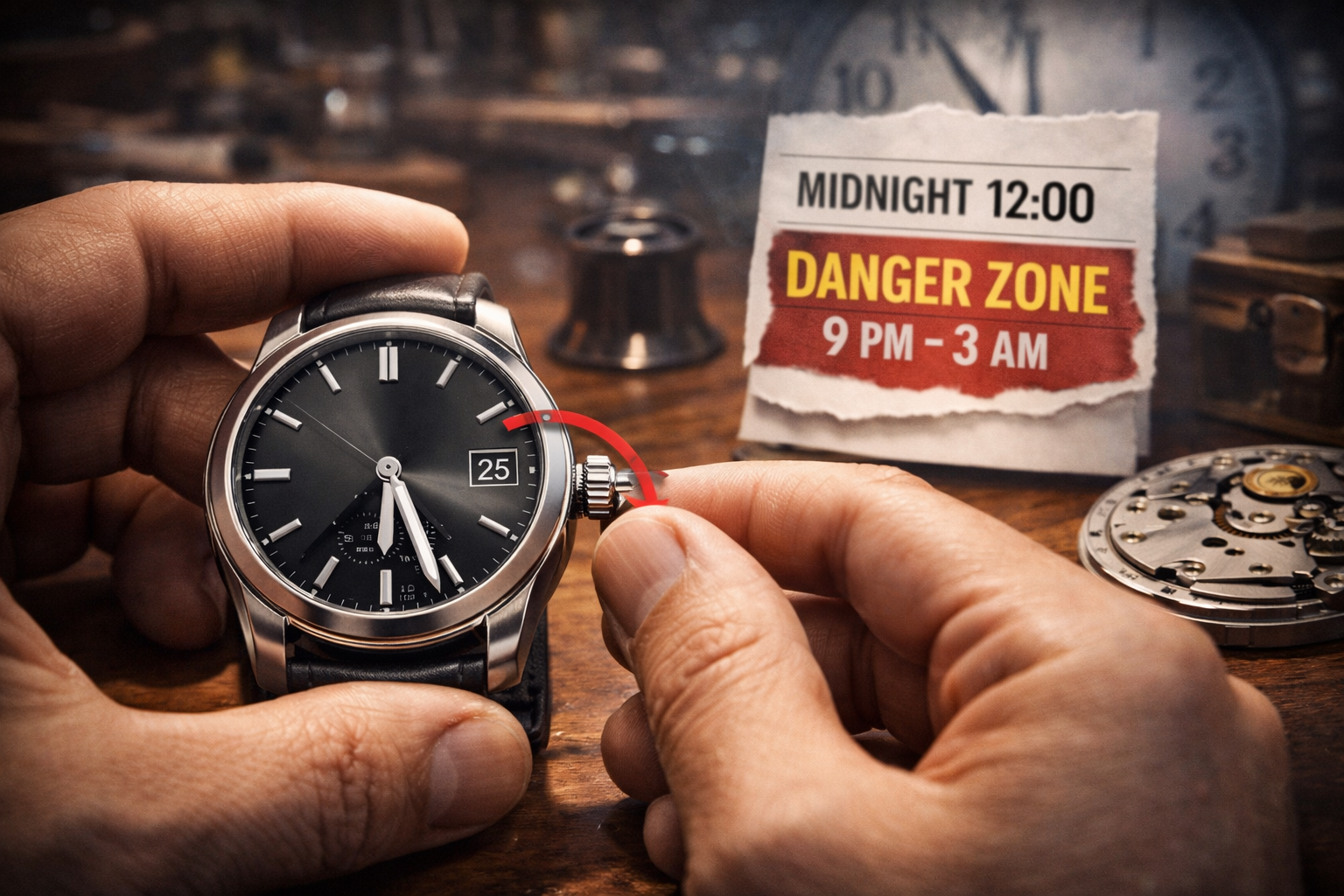 Setting an automatic watch is simple once you know the rules—especially around the date mechanism. Many watch issues come from one mistake: changing the date at the wrong time.
If you’re new to automatics, start here: What Is an Automatic Watch? Pros, Cons & Who Should Buy One
Quick Answer: The Safe Way to Set an Automatic Watch
-
Wind it a bit first (so the movement runs strongly).
-
Set the time by moving forward and confirm AM/PM.
-
Avoid changing the date during the “danger zone” (typically late evening to early morning).
-
If you must change the date, move hands to a safe time first (like 6:30), then set the date.
To understand why this happens mechanically, read: How Does an Automatic Watch Work? Simple Beginner Guide
What Is the “Danger Zone” (And Why It Matters)?
Many automatic watches begin engaging the date-change mechanism hours before midnight. If you force a manual date change while the gears are partially engaged, you can damage the date components.
General rule (safe for most watches):
Avoid changing the date when the hands are roughly between 9 PM and 3 AM.
Some watches have wider/narrower windows, but 9 PM–3 AM is a good “universal safety rule.”
If your watch stops when you don’t wear it, that’s normal power reserve behavior (and affects when you need to reset):
Do Automatic Watches Stop If Not Worn?
Step-by-Step: How to Set Time and Date Safely
Step 1) Start the watch and wind it slightly
If the watch is stopped, gently wind it (if it supports manual winding) or wear it until it starts. A little wind helps stable timekeeping.
For daily habits and storage, see:
How to Maintain an Automatic Watch: Daily Wear, Storage & Servicing
Step 2) Pull the crown to the time-setting position
Most watches have:
-
Position 0: crown pushed in (running)
-
Position 1: date/quickset (varies)
-
Position 2: time-setting (seconds may stop on some watches)
Step 3) Set the time forward and confirm AM/PM
Turn the hands forward until you pass 12. Watch the date:
-
If the date changes, you just crossed midnight (you’re in AM).
-
If not, you’re in PM.
This prevents the classic mistake: setting the watch 12 hours off.
Step 4) Move hands to a safe time before using quickset date
Before changing the date, move the hands to a safe time like 6:30 (any time well away from midnight is fine).
Then use the quickset date function.
Step 5) Set the correct time last
After the date is correct, set the exact time, then push the crown back in securely (and screw it down if your watch has a screw-down crown).
Quickset Date vs Non-Quickset Date
| Feature | What It Means | Best Practice |
|---|---|---|
| Quickset date | You can change date via crown without spinning hands | Use only outside the danger zone |
| Non-quickset date | Date changes only by moving hands | Slow but safe—advance time forward |
Common Mistakes (Avoid These)
1) Changing the date near midnight
This is the #1 cause of date mechanism problems.
2) Setting the time 12 hours wrong
Always confirm AM/PM by watching when the date flips.
3) Turning hands backward on some watches
Many watches tolerate small backward adjustments, but if you’re unsure, it’s safest to set time forward.
4) Not pushing/screwing the crown fully
This can affect water resistance and long-term reliability.
If Your Watch Has a Day/Date (or More Complications)
-
Set time first (confirm AM/PM)
-
Move to a safe time (like 6:30)
-
Then set date/day (and other quickset indicators)
-
Set exact time last
For complication enthusiasts (and why complex calendars are special):
The Mechanical Mind: Unraveling the Genius of the Perpetual Calendar Complication
Does Setting the Watch Affect Accuracy?
If your watch is running significantly fast/slow, it may not be a setting issue at all. Start here:
Are Automatic Watches Accurate?
If you’re deciding whether quartz is better for “always correct time,” compare here:
Automatic Watch vs Quartz: Differences, Pros & Which to Choose
FAQ: Setting an Automatic Watch Safely
What time should I set my watch to before changing the date?
A safe default is 6:30 (or anything far from midnight). Avoid roughly 9 PM–3 AM.
Can changing the date at the wrong time break my watch?
It can damage or misalign the date-change mechanism on some watches. That’s why the danger zone rule matters.
My watch doesn’t have quickset date—what should I do?
Set the time forward until the date changes, then continue forward to the correct date and time. It’s slower but safe.
Why did my date change at noon?
Your watch is set 12 hours off (AM/PM). Set the time forward until the date flips at midnight.
Should I wind my watch before setting it?
If the watch is stopped or low on power, yes—winding a bit helps stable operation and easier setting.